
Conference App
Download the Conference App
- View the full conference schedule and sort by day, meeting, or keyword.
- Design your own schedule, and synchronize your agenda across devices
- Chat and message with other attendees
- Access the attendee directory
- Find Wi-Fi details
- View available presentations and handouts
- Get notifications about the conference, including session updates and other announcements
- Access other key details about the meeting, including health and safety information, maps for the meeting space, CME information, and much more
To get started:
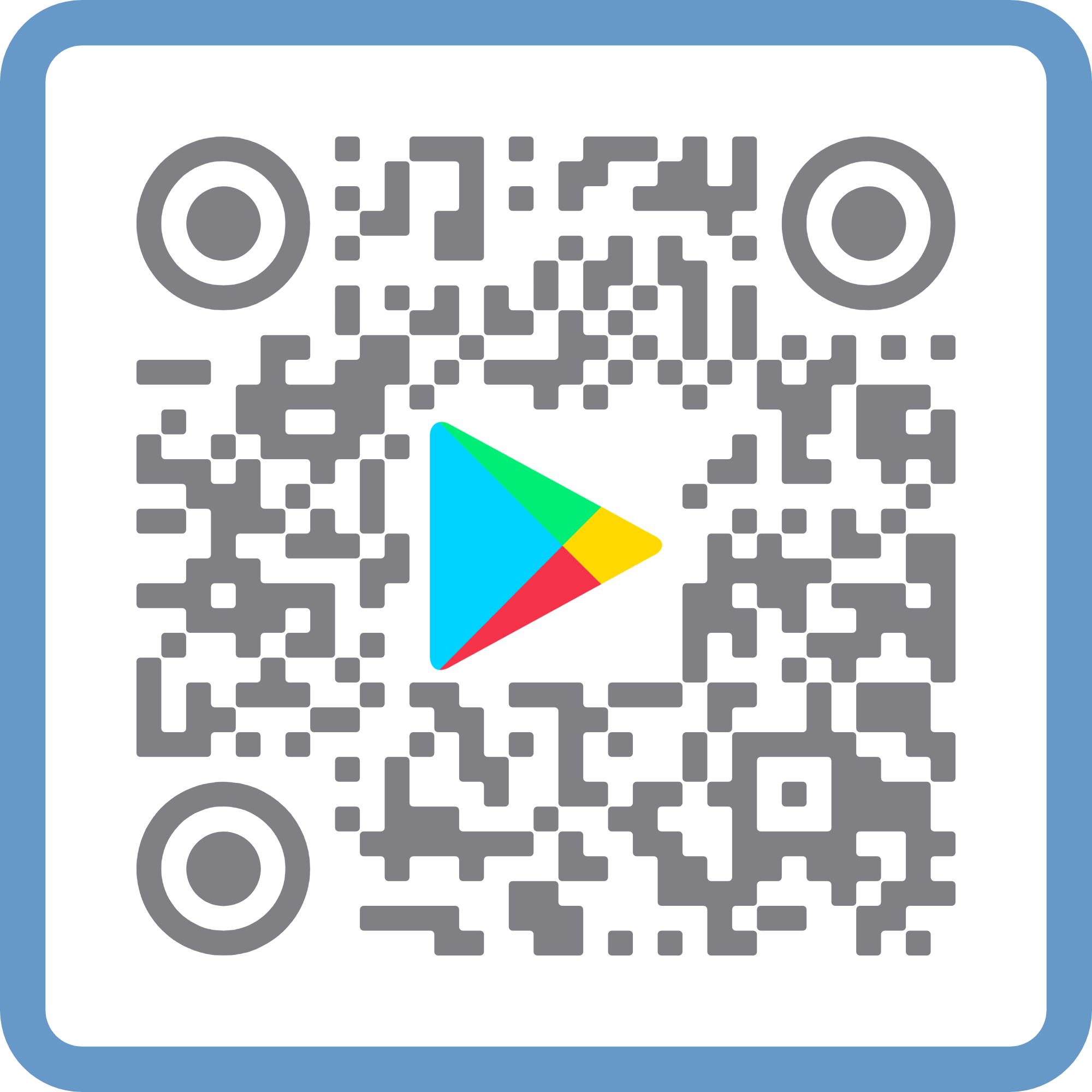
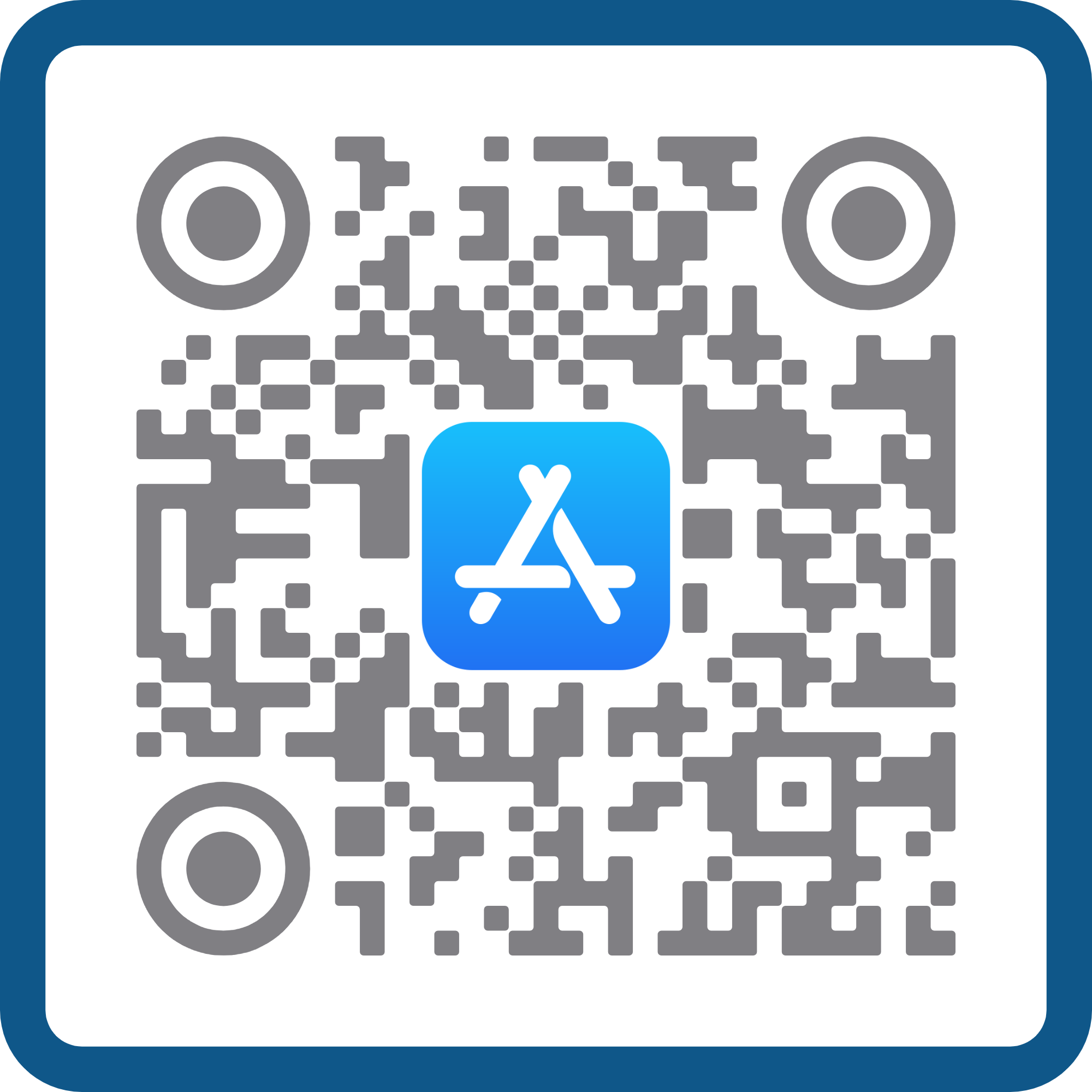
- Go to the App Store on your iOS or Android device Click or scan the QR code below.
- Search for “AAIM Events” to download the free app.
- Once you open the app, select the logo for the event you wish to access: 2027 APM Winter Meeting.
- Press the "Select event" button at the bottom of your screen to load the event.
- Customize your experience by using the menu along the bottom of the screen.
 |  |
Conference App FAQs
Scan or click the QR code to go to the app store of your choice, or click for the Google Play Store or Apple App Store.
Yes! Logging in to the app unlocks a host of additional features, include sharing schedules across devices, contact other attendees, exchanging digital business cards, are more. To login, select “Log In with an Email Link,” enter the email address used for your meeting registration, and follow the prompts from there.
Select the “More” menu option (lower right iOS; upper right Android). Choose "Change Event" from top left. Then select the logo for the 2027 APM Winter Meeting. Press the “Select this Event” button in the lower right corner, then select the continue button to load the event.
Use the search icon to search by keyword(s) or speaker(s).
After selecting an individual session, click the calendar icon in the top right to add it directly to your personal schedule.
Click the 'more' button in the bottom row of menu options to reveal even more information about the event.
After selecting an individual session, check the 'Resources' section for available presentations and handouts.
Yes! The app will work offline by displaying content from the last time the app was open and connected to the Internet. After you reconnect to the internet, the app will automatically update.
Use the search box at the top of the attendee list. If an attendee has chosen to appear in the directory, the field will search on name, title, institution, and division.
Yes! Once you login to the app, you can use the app to direct message another user. Find the user in the participant list, select their name and click the “Send Message” button directly under their photo. If you do not see a “Send Message” button that means the other user has opted not to receive messages and/or is not signed in to the app and will not receive messages.
Yes! Once you login to the app, select the "Partner" tab to scroll to the partner you wish to contact. Select "Contact" to send a message within the app or click their included email address to send a message in your default email client. Alternatively, you can find individual representatives in the participant list and click "Send Message" underneath their photo.
Yes! Select the “More” menu option (lower right iOS; upper right Android). Scroll all the way to the bottom of the screen and click the orange arrow next to the Last Update time stamp.
Select the “More” menu option (lower right iOS; upper right Android). Click your name at the top. Click profile information. Click add another email address. Enter the email address associated with your meeting registration (the same email you use to login to www.im.org) and click add. You will be sent a verification email to that address; click the “verify” link in the email. Return to your profile information. You will see the new email address as verified. Select the option to make it primary.
Yes! A web version of the app is available so all attendees enjoy the same features.
If the 2027 APM Winter Meeting is not showing in your list of upcoming events that means your version of AAIM Events app is not up-to-date. To update your app, go to the App Store on your device and find “AAIM Events” in your list of available app updates and complete the update. The 2027 APM Winter Meeting will now display in your upcoming events list.