.png?sfvrsn=b36a0888_1)
Download the Conference App
View the full conference schedule and sort by day, meeting, or keyword.
- Design your own schedule, and synchronize your agenda across devices.
- Chat and message with other attendees.
- Access the attendee directory.
- Find Wi-Fi details.
- View available presentations and handouts.
- Get notifications about the conference, including session updates and other announcements.
- Connect to your own social media platforms.
- Access other key details about the meeting, including health and safety information, maps for the meeting space, CME information, and much more.
To get started:
- Go to your app store and search "AAIM Events" or by clicking or scanning the correct QR code.
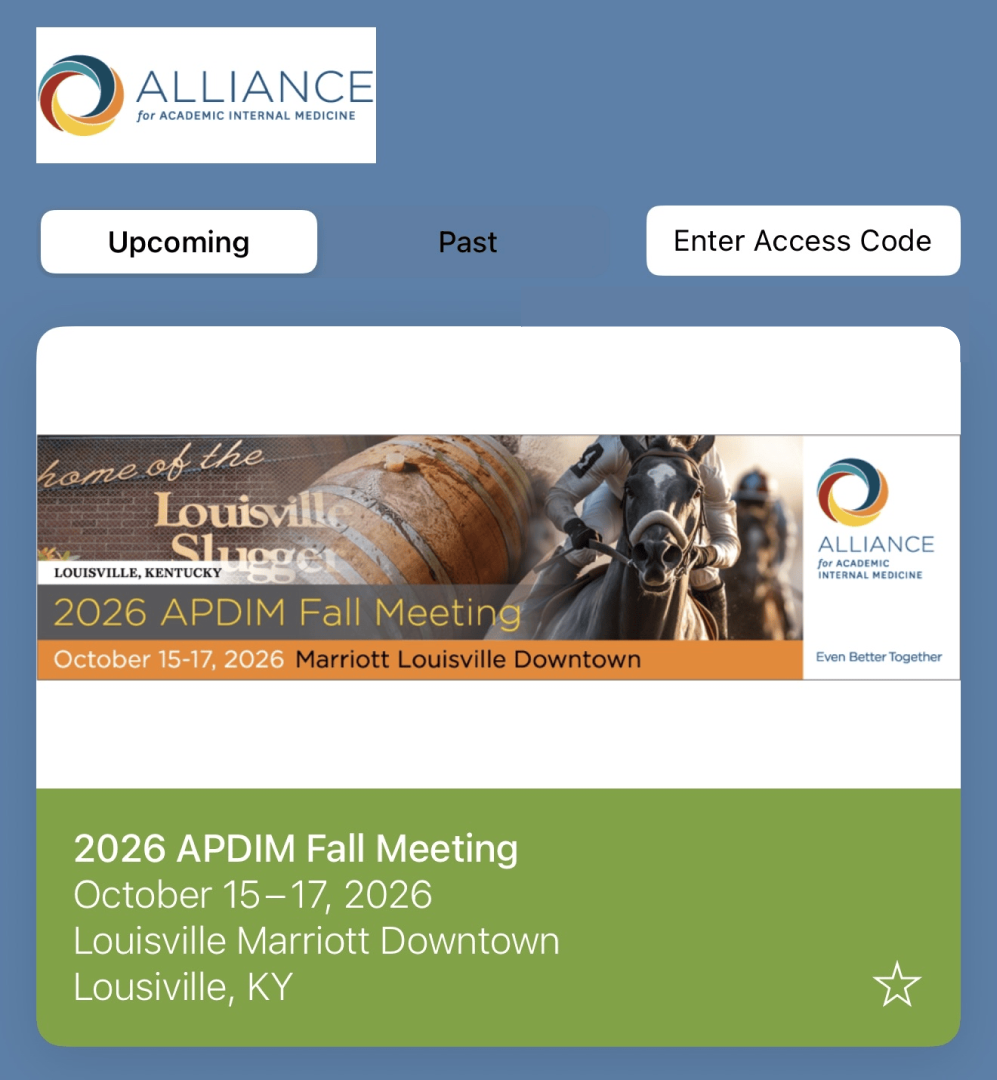
- Once you open the app, select the logo for the event you wish to access: 2026 APDIM Fall Meeting.
- Press the "Select event" button at the bottom of your screen to load the event.
- Customize your experience by using the menu along the bottom of the screen.
- For trouble accessing the event or other questions, please see Conference App FAQs.